
How to Program a Garage Door Remote (and Erase a Lost One)
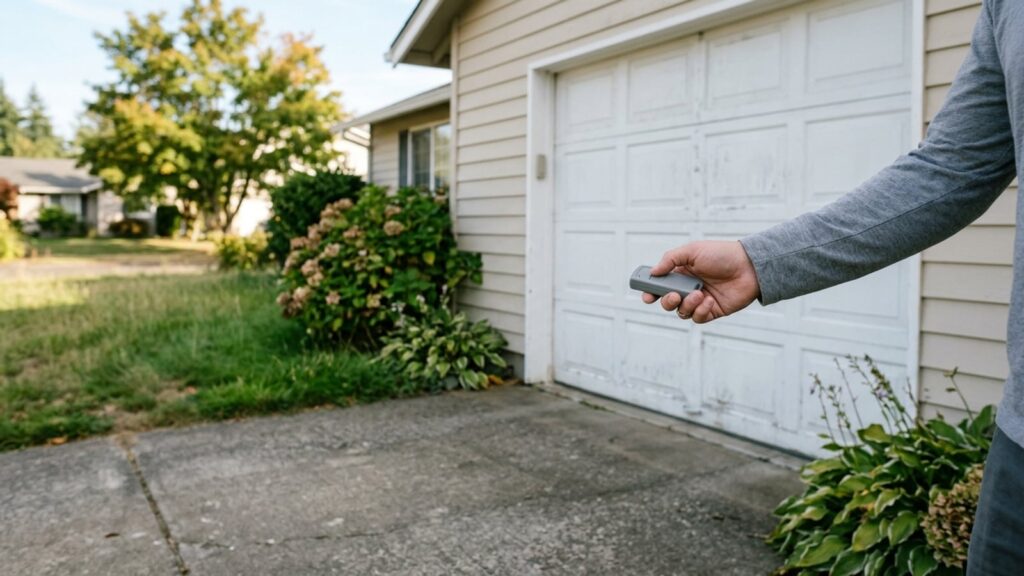
To program a garage door remote, press the learn or program button on the opener’s motor unit to put it in programming mode, then press the remote button you want to use within about 30 seconds. On many models the opener’s lights flash to confirm, and the next press runs the door. The details vary by brand and model, so keep the owner’s manual handy.
Late summer is when many eastern Iowa households need to program a garage door remote or hand out a keypad code, for a teenager who just started driving, a student heading back to school or a house sitter. Remotes also go missing in the shuffle. Here is how to add a remote, a keypad or the buttons in your car, and how to lock out one that has gone astray.
Find the learn button and get set up
The learn button is on the motor unit on the ceiling, sometimes under the light cover. HomeLink, which makes the garage door buttons built into many cars, calls it a learn, smart or program button and notes that its shape and color vary by manufacturer. That is why the manual is the best guide.
Use a sturdy stepladder to reach it, never your car, which HomeLink specifically warns against standing on. Park outside the garage and keep people and objects out of the door’s path, because the door may move while you program. A fresh battery in the remote helps too.
How to program a garage door remote
On a newer Genie opener, Genie’s remote programming instructions say to press and hold the program button until the round light turns blue, then release it. On Genie openers built between 1995 and 2011, you press and release the Learn Code button once and its red light starts to flash. Either way, you then have about 30 seconds.
Stand at least five feet from the opener, which Genie says helps the remote and opener communicate. Press the remote button slowly twice, watch for the opener lights to flash and go off, then press it a third time to run the door. Other brands follow a similar pattern with their own timing and lights, so follow your manual.
Adding a keypad or the buttons in your car
Once you can program a garage door remote, keypads and built-in car buttons follow the same idea through the opener’s learn mode. HomeLink buttons usually sit in the rearview mirror, the overhead console or the center stack, and HomeLink’s support page covers the process. HomeLink notes that openers made after 1995 may use rolling codes. On those, the last step is pressing the learn button and then the car button within the time limit, so a second person makes it easier.
HomeLink’s troubleshooting page flags one easy mistake. If every other remote stops working after you program the car, the learn button was probably held too long, which clears all the codes. Press it and let go, the way you would ring a doorbell.
If the car will not pick up the signal at all, HomeLink suggests putting a brand-new battery in the handheld remote, since an older one can fade during programming, and trying the remote at different distances and angles from the car button. HomeLink works with devices between 288 and 433 MHz, and the frequency is usually printed on the back of the remote.
Lost or stolen remote? Erase every code
If a remote goes missing, assume someone could use it. Genie advises clearing the opener’s memory right away, then reprogramming the remotes you still have. Clearing wipes every remote, keypad and car button paired with the opener, including the missing one, while the wired wall button keeps working.
On newer Genie openers, you hold the program button until the round light turns blue, then hold the up and down buttons together until both lights turn solid blue. Older Genie units clear when you hold the Learn Code button until its light stops blinking. Genie notes that most other brands, including LiftMaster and Chamberlain, clear all remotes when you hold the colored learn button for six to ten seconds.
Genie also recommends clearing the memory after you buy a home, when tenants move out and after a garage break-in. HomeLink suggests erasing your car’s buttons before you sell the vehicle or end a lease.
When the remote still will not work
Check the battery first, then the bulbs. HomeLink says certain LED bulbs in the opener can interfere with the radio signal and cut the range of remotes and car buttons, and recommends a bulb approved by your opener’s manufacturer.
If programming one remote seems to knock out another, Genie says you may need to clear the receiver and start over. It also notes that most older Genie openers, made before 1995, hold up to seven remotes and keypads, and that once seven are set up, each new device kicks out the last one added.
Some openers are simply too old for the job. HomeLink says not to use its system with any opener that lacks the federally required stop and reverse features, which includes models made before April 1, 1982.
Keep remotes as secure as your house keys
A remote opens your house as surely as a key. DASMA, the manufacturers’ association for doors and openers, advises in its opener safety tips keeping remotes locked up and locking any car parked outside, so a thief cannot take the remote and open the garage. Genie goes further: carry the remote with you like a phone, and never leave it in the car overnight.
If a remote is lost, a keypad has quit or the opener will not accept new codes, we can help across Cedar Rapids, Iowa City and North Liberty. We replace remotes regardless of make or model, program universal remotes and source units for older systems, and our opener repair service covers the opener itself.